Billing Guide
Everything about plans, upgrading, character counting, and cancellation.
1. Plans at a Glance
| Plan | Price | Characters / month | Support |
|---|---|---|---|
| Free | $0 | 20,000 | Community |
| Pro | $29 / mo | 300,000 | Priority |
| Business | $69 / mo | 1,000,000 | Dedicated |
| Enterprise | Custom | Custom | Dedicated + SLA |
All plans include auto translate, reaction translate, auto flag reactions, and thread reply & in-message translation. Quotas reset on the 1st of each month.
2. How to Upgrade
Open Rimo App Home in Slack (click Rimo Translator in the left sidebar under Apps) and click "Upgrade to Pro" or "Upgrade to Business".
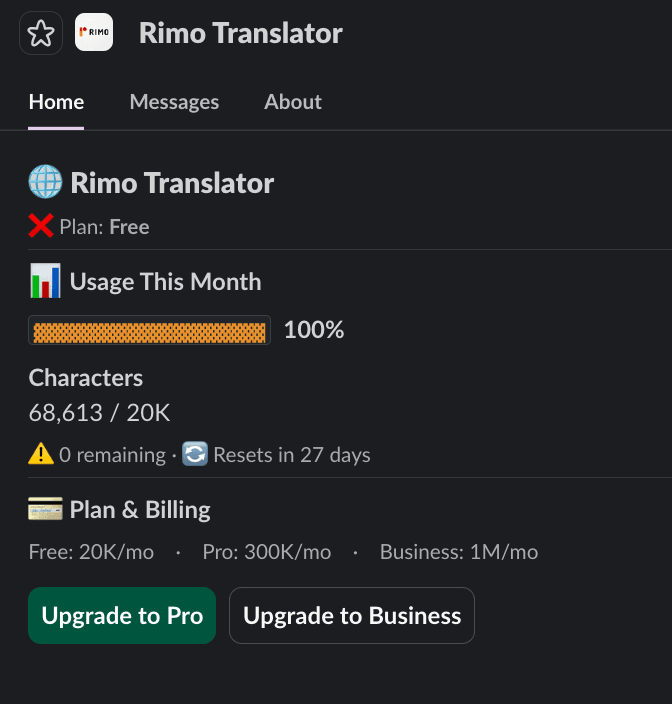
Select the plan you want on the checkout page and confirm your selection.

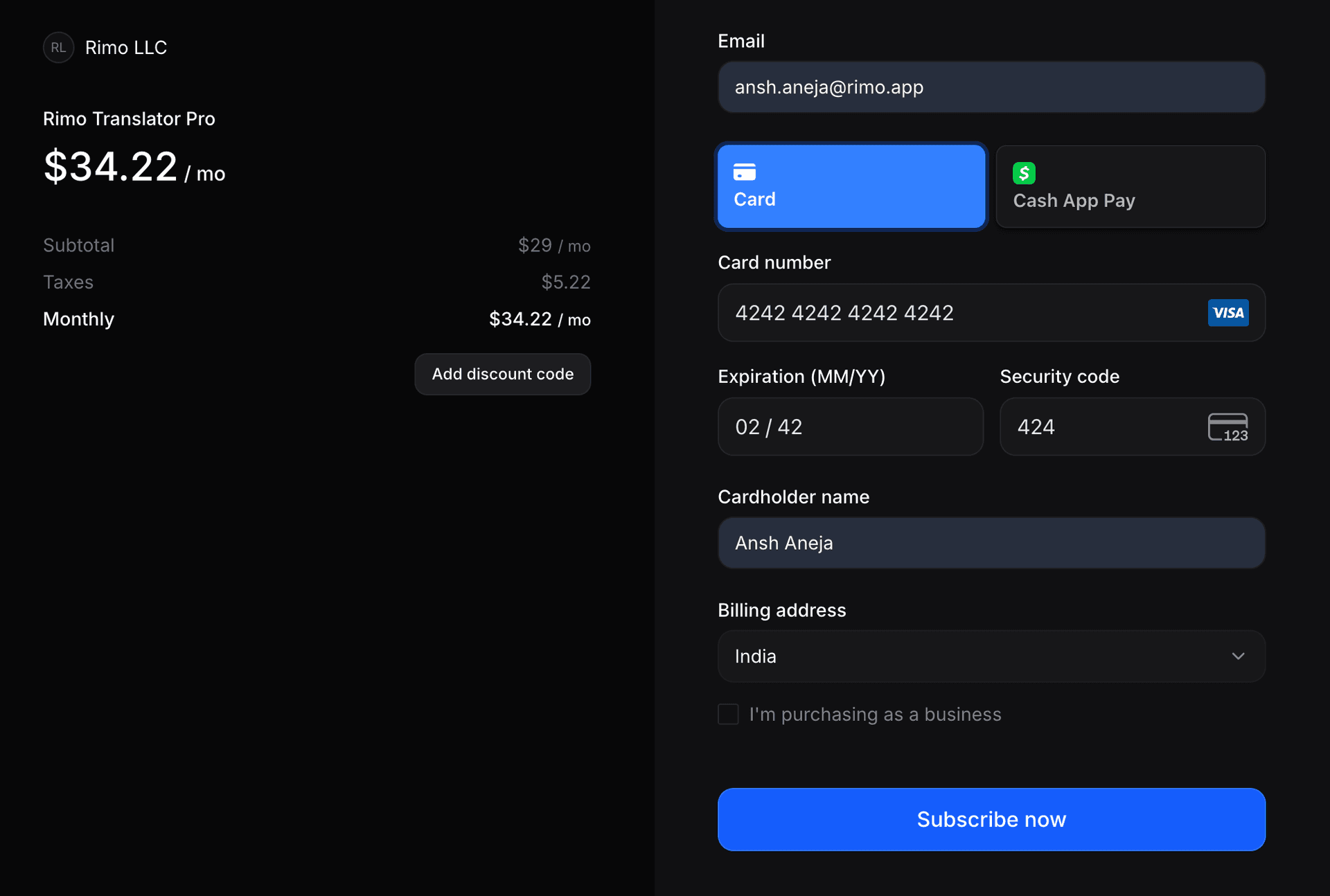
On the checkout page, enter your credit card details in the secure Polar payment form and click Subscribe. Your plan upgrades immediately — no waiting period.
For the Enterprise plan, email us at translator-support@rimo.app with your team size and requirements. We'll set up a custom plan and send you an invoice.
3. How Character Counting Works
The character count is based on the full source message text — everything in the message being translated counts toward your monthly quota. The translated output does not count.
4. What Happens at Your Limit
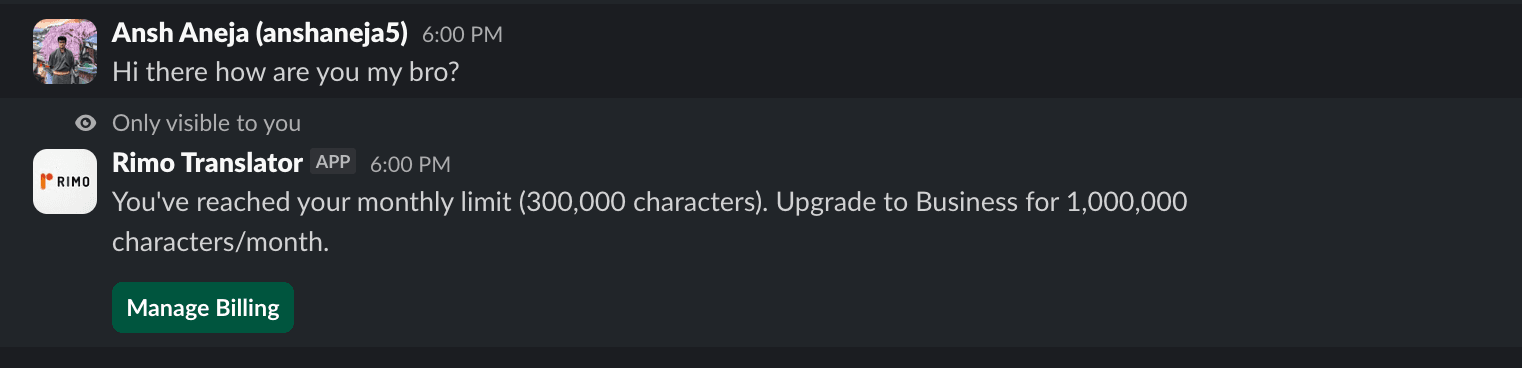
Rimo sends a warning notification at 80% usage. When the monthly limit is reached (100%), translations pause until the quota resets on the 1st of each month.
At 100% — translations paused:
5. How to Cancel
Open Rimo App Home in Slack and click "Manage Billing".
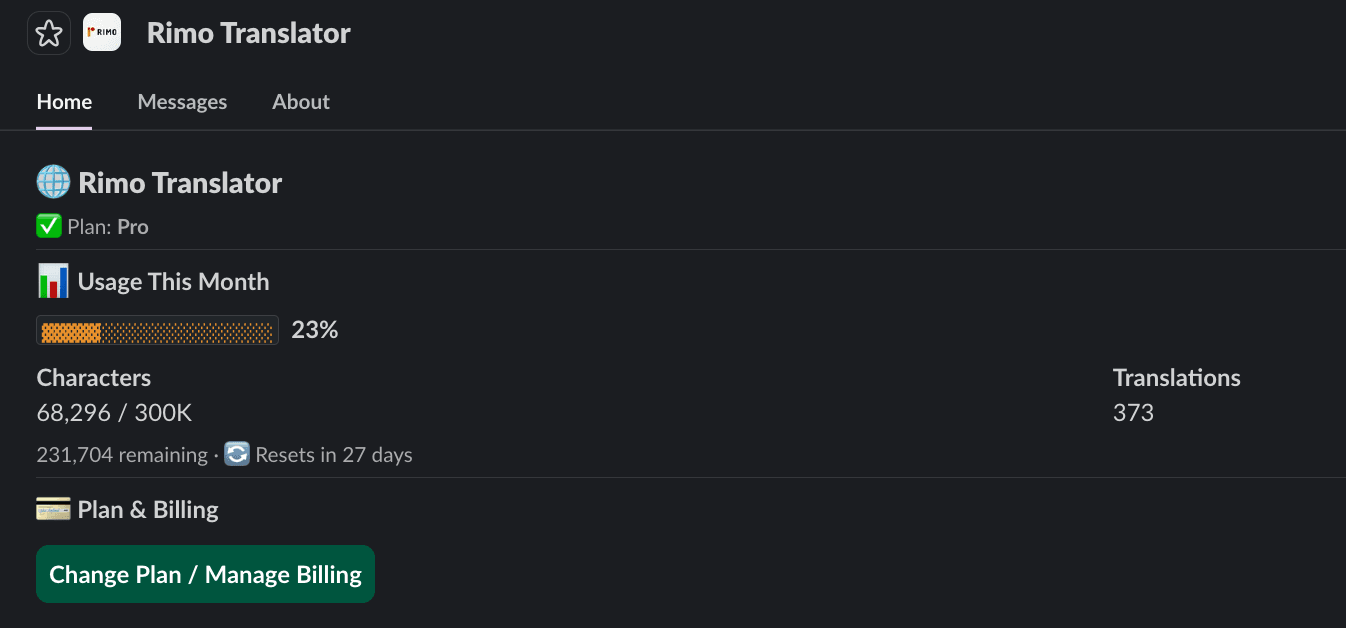
Click "Cancel Subscription" and confirm. Your plan stays active until the end of the current billing period — you won't be charged again after that.
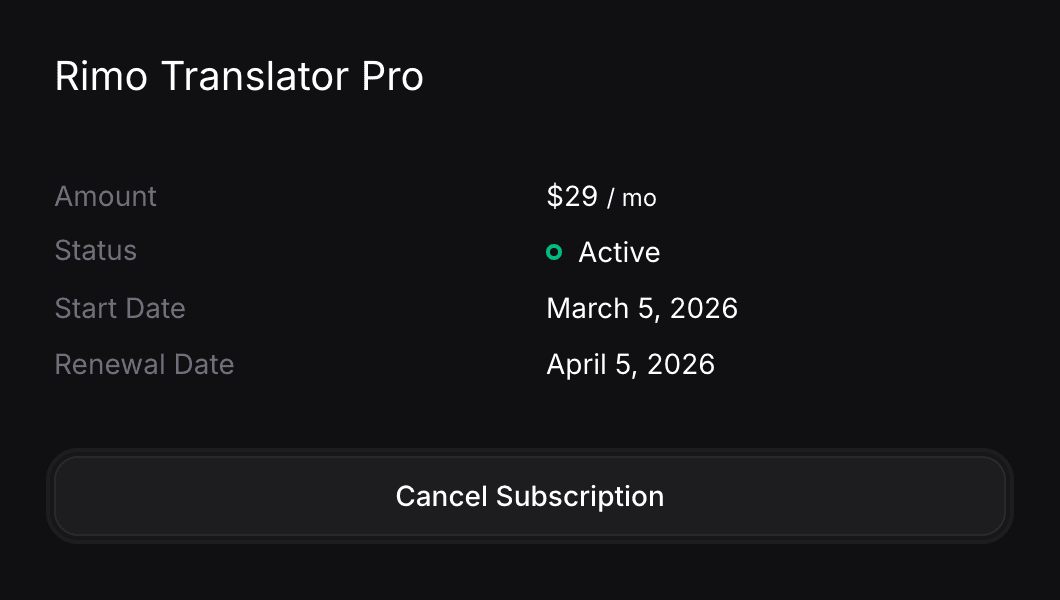
After cancellation your workspace reverts to the Free plan (20,000 characters/month) at the end of the billing period. Characters used during the period are non-refundable.